What's New in Nearva - 26 February 2026
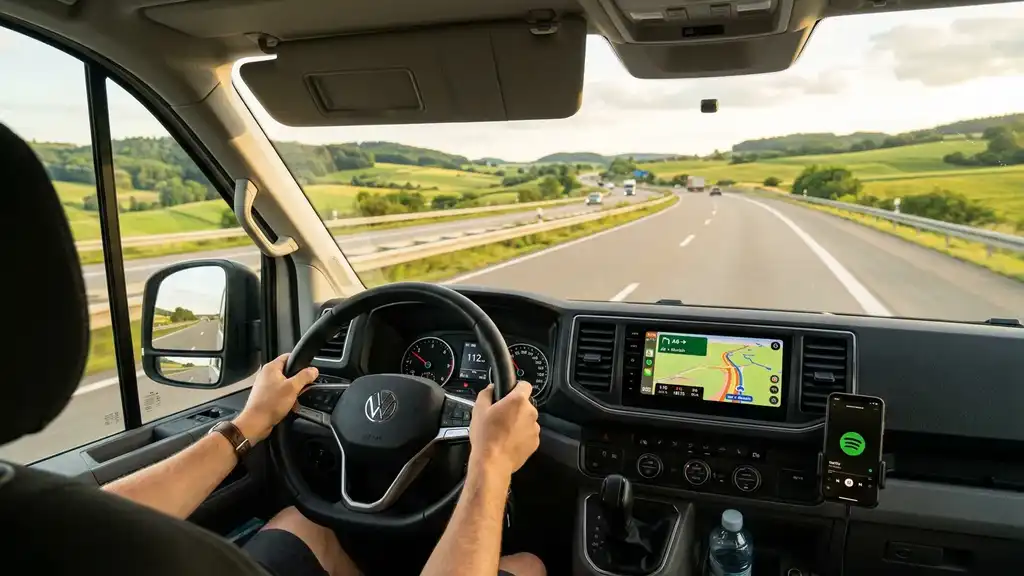
Two days since the last update and we've already got a big one. Android Auto, new location types, and a bunch of search improvements to help you find what you need faster.
New Features
Android Auto Support (Experimental)
Nearva now works on your car's infotainment system via Android Auto. Find nearby overnight spots, fuel stations, and camper services right from your dashboard - no need to pick up your phone. The interface is fully localized in all 37 languages. This feature is still experimental, so expect some rough edges while we refine the experience.
LPG / Gas Bottle Refill Stations
LPG refill stations are now a first-class location type on the map. Find nearby refill points without relying on third-party apps or outdated lists. This is separate from the country guide gas bottle info - these are actual refill stations you can navigate to.
Starting Point Picker
All "find nearby" screens - overnight spots, fuel stations, dump stations - now have a shared starting point picker. Search near a specific destination instead of only your current GPS location. Planning ahead for tomorrow's stop? Now you can.
Fuel Station Sort Options
The fuel station search now lets you sort results by distance, price, or brand. Find the cheapest diesel nearby, or stick with your preferred brand - your call.
"Show on Map" Button
Search result cards for dump stations, fuel stations, and overnight spots now have a "Show on map" button. Tap it to jump straight to the location on the map without leaving the search flow.
Tap to See on Map
Tapping a search result in the overnight spot, fuel station, or dump station screens now navigates you to the map and opens the location popup directly. Less tapping, faster discovery.
Improvements
- Faster search popups - Search result popups now appear immediately instead of waiting for the full map viewport to load.
- Page-based feature requests - The feature request portal now uses page navigation instead of infinite scroll, making it easier to browse through submissions.
- Cleaner trail data - Removed 98.6% of unusable trail imports, resulting in better hiking trail suggestions overall.
Bug Fixes
- Black screen on startup - Devices with broken or outdated Google Play Services no longer get stuck on a black screen when launching the app.
- Dump station badge readability - The water dump badge label was unreadable in dark mode; now properly styled with correct contrast.
- Android Auto stability - Fixed type mismatches and UI overflow issues in the Android Auto interface.
That's it for this round. Got ideas or feedback? Head to the Feature Request Portal in the app. Happy travels!
Wat is er nieuw in Nearva - 26 februari 2026
Twee dagen na de vorige update en we hebben alweer een flinke. Android Auto, nieuwe locatietypes en een hoop zoekverbeteringen om sneller te vinden wat je nodig hebt.
Nieuwe functies
Android Auto-ondersteuning (experimenteel)
Nearva werkt nu op het infotainmentsysteem van je auto via Android Auto. Vind overnachtingsplekken, tankstations en camperdiensten in de buurt, recht vanuit je dashboard - zonder je telefoon op te pakken. De interface is volledig vertaald in alle 37 talen. Deze functie is nog experimenteel, dus verwacht hier en daar nog wat ruwe randjes terwijl we de ervaring verbeteren.
LPG- / gasflesvulstations
LPG-vulstations zijn nu een volwaardig locatietype op de kaart. Vind vulpunten in de buurt zonder afhankelijk te zijn van andere apps of verouderde lijsten. Dit staat los van de gasflesinfo in de landengids - dit zijn daadwerkelijke vulstations waar je naartoe kunt navigeren.
Startpuntkiezer
Alle "zoek in de buurt"-schermen - overnachtingsplekken, tankstations, lozingspunten - hebben nu een gedeelde startpuntkiezer. Zoek in de buurt van een specifieke bestemming in plaats van alleen je huidige GPS-locatie. Vooruitplannen voor de stop van morgen? Dat kan nu.
Sorteren bij tankstations
Het zoeken naar tankstations laat je nu sorteren op afstand, prijs of merk. Vind de goedkoopste diesel in de buurt, of blijf bij je voorkeurssmerk - jij bepaalt.
"Toon op kaart"-knop
Zoekresultaatkaarten voor lozingspunten, tankstations en overnachtingsplekken hebben nu een "Toon op kaart"-knop. Tik erop om direct naar de locatie op de kaart te springen zonder het zoekscherm te verlaten.
Tik om op kaart te bekijken
Tikken op een zoekresultaat in de overnachtings-, tankstation- of lozingspuntschermen brengt je nu naar de kaart en opent direct de locatie-popup. Minder tikken, sneller vinden.
Verbeteringen
- Snellere zoekpopups - Zoekresultaat-popups verschijnen nu direct in plaats van te wachten tot het volledige kaartvenster is geladen.
- Paginaverzoeken met paginering - Het feature request-portaal gebruikt nu paginanavigatie in plaats van oneindig scrollen, waardoor het makkelijker is om door inzendingen te bladeren.
- Schonere wandeldata - 98,6% van de onbruikbare wandelroute-imports is verwijderd, met als resultaat betere wandelsuggesties.
Bugfixes
- Zwart scherm bij opstarten - Apparaten met kapotte of verouderde Google Play Services blijven niet langer hangen op een zwart scherm bij het starten van de app.
- Lozingspunt-badge leesbaarheid - Het label van de waterlozingsbadge was onleesbaar in dark mode; nu correct gestyled met goed contrast.
- Android Auto-stabiliteit - Type-mismatches en UI-overflow-problemen in de Android Auto-interface zijn opgelost.
Dat was het voor deze ronde. Heb je ideeën of feedback? Ga naar het Feature Request Portaal in de app. Goede reis!